
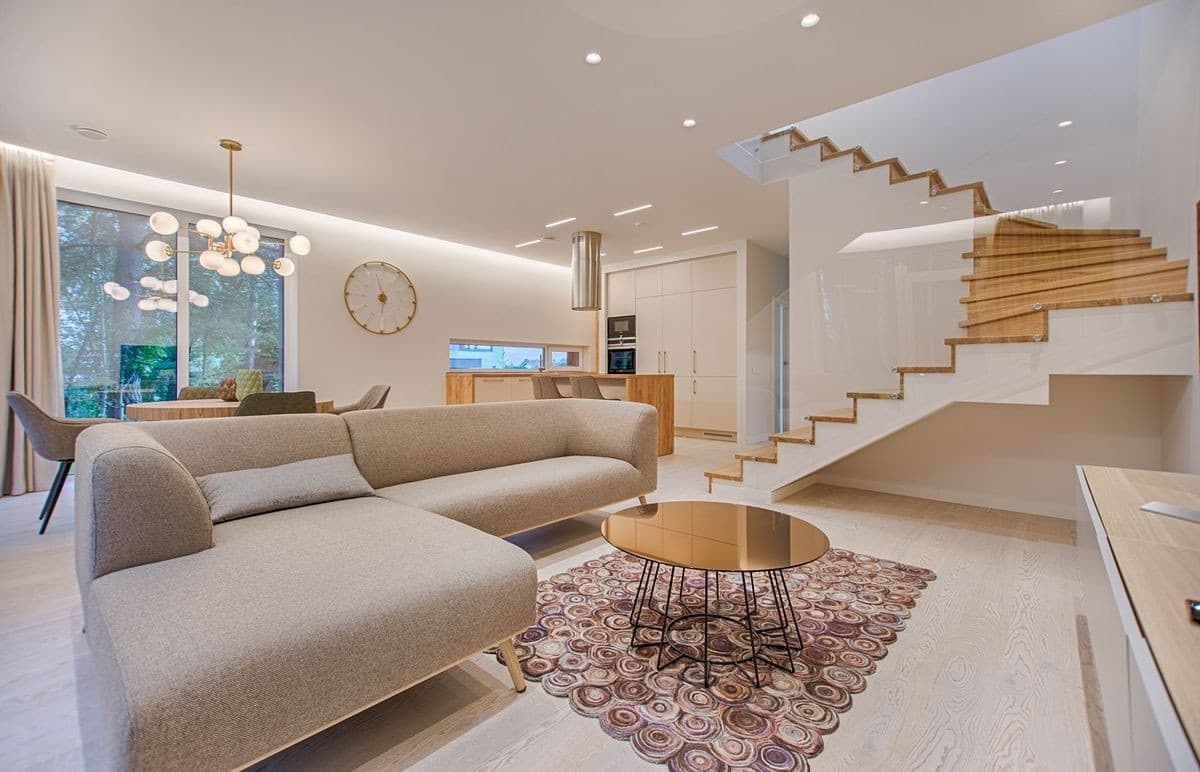
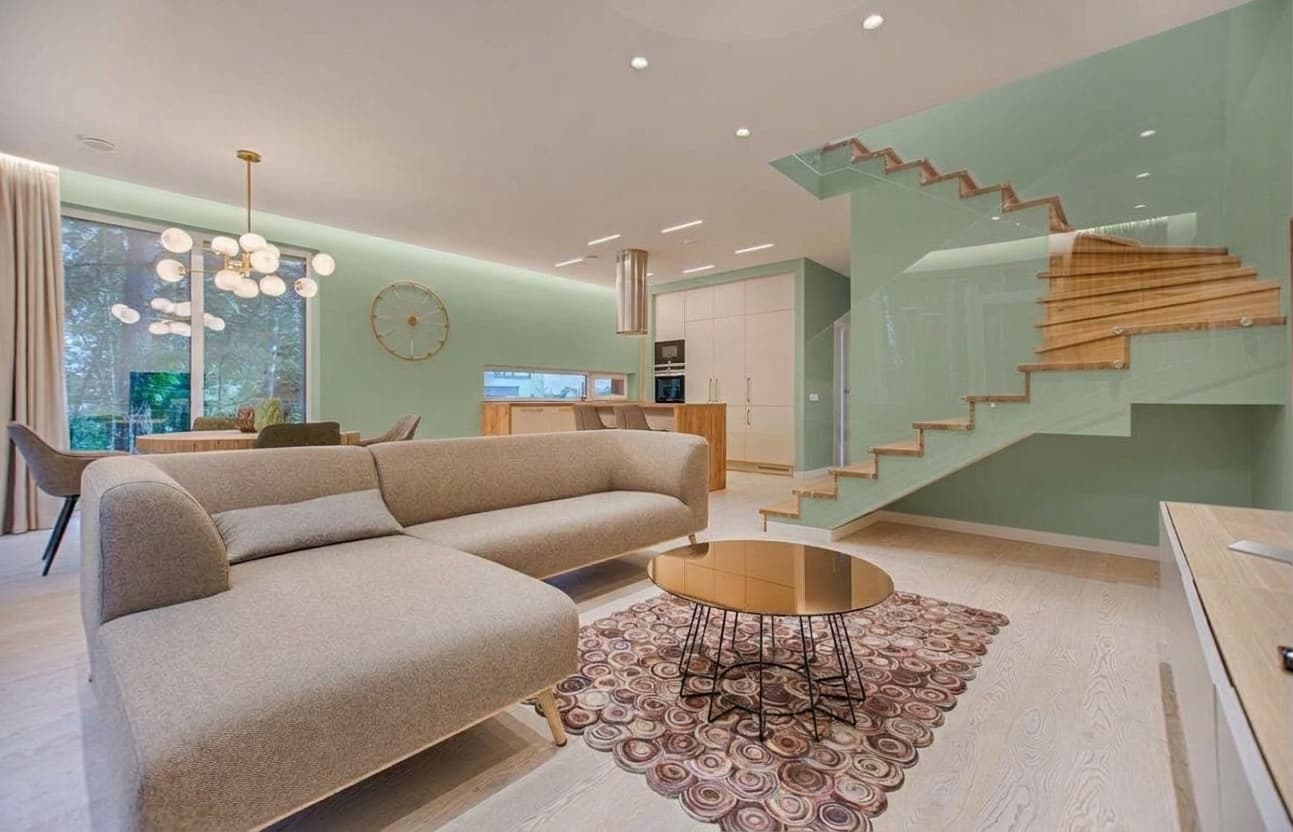
AI wall color changer / paint visualizer online
Paint visualization is a proven paid home-design SKU: Homai bundles Paint Visualizer into ~$49/mo real-estate plans, Decor8 includes wall & cabinet color preview from about $14.99/mo, and BoxBrownie charges about US$3 per human color-change edit. Homeowners and agents pay because guessing paint from a chip wastes money; previewing on the real room photo does not.
Wall Color Changer on Many AI Tools follows the same intent: upload a room photo, pick Sage green, Soft navy, Warm white, or Terracotta, and download a photorealistic paint preview billed from your shared credit pack (about 155 credits per run; Starter from $5 ≈ 32 photos).
How to preview wall paint colors with AI
1. Drop a clear JPG or PNG interior room photo with visible painted walls. 2. Choose Sage green, Soft navy, Warm white, or Terracotta. 3. Optional Notes can steer the look (matte finish only, keep accent wall, slightly lighter sage). 4. Click Change wall color and download when ready. Reopen past results from Image History on the same page.
When to use Wall Color Changer vs other studio tools
Use Wall Color Changer when you need a paint preview on existing walls without moving furniture. Use Interior Redesign when the room is furnished and you want a full furniture/décor restyle. Use Virtual Staging when the room is empty and needs furniture. Use Photo Relight when lighting mood is wrong but paint is fine. Use Object Remover to clear clutter before a paint preview. Use Day to Dusk or Season Change for exterior listing heroes, not interior paint.