
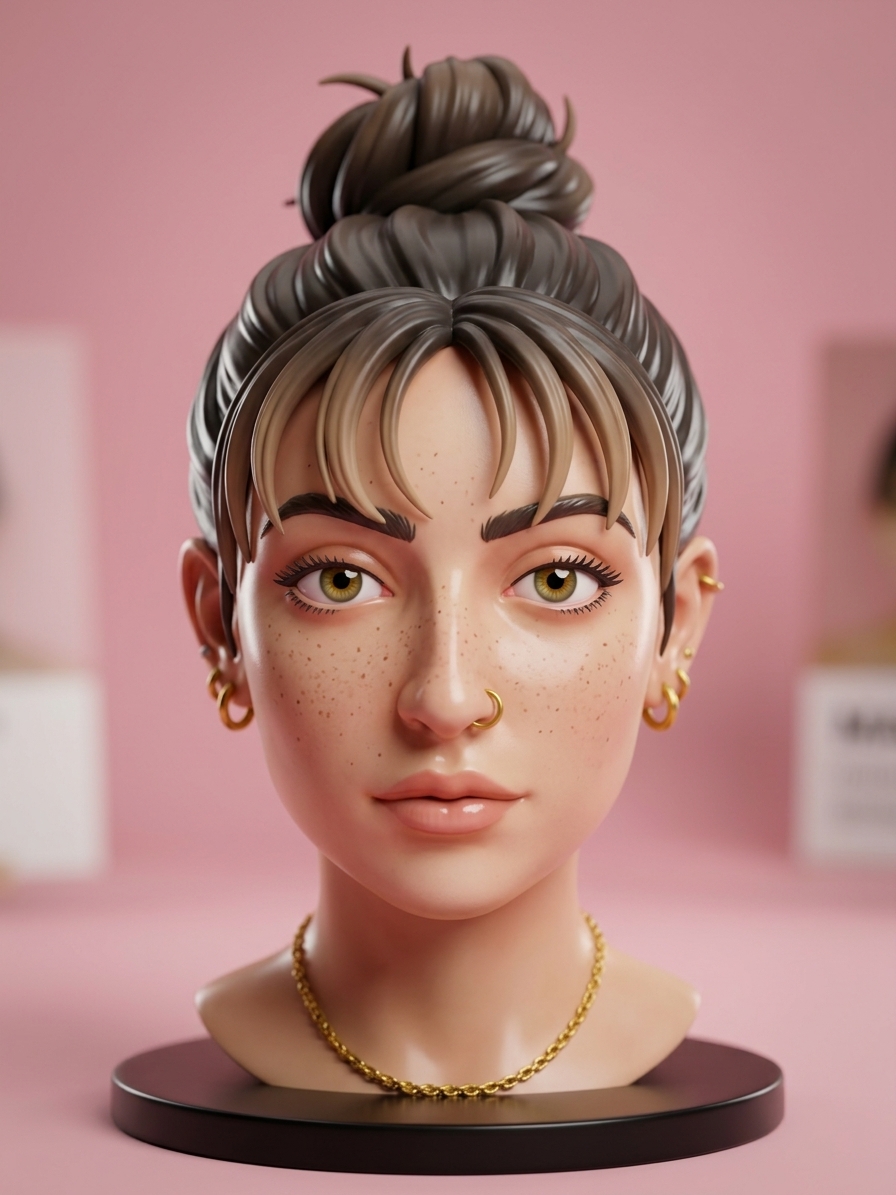
AI action figure

Action Figure guide & FAQ

Drop a photo. Get a 3D figurine. Tap a style for boxed, chibi, or desk toy.

Features

  • •Desk figurine, boxed toy, office hero, chibi keychain
  • •Keeps your face from the upload
  • •Reopen past figures from Image History
  • •Shareable image for LinkedIn or Instagram

How it works

  1. Drop a photo
  2. Click "Generate Figure"
  3. Download the result
  4. Reopen from Image History or continue editing
See a sample result

Example: studio portrait → Desk figurine preset (real Many AI Tools result).

Studio portrait before AI action figure conversion
Same person as a collectible desk figurine after AI action figure
BeforeAfter

Drag the line to compare. Focus it and use the arrow keys.

Frequently asked questions

AI action figure and 3D figurine generator

Action Figure turns a photo into a shareable collectible-style image: a desk figurine, boxed toy, office hero, or chibi keychain. It is built for the familiar toy-photography format while keeping the uploaded person's identity in the scene.

Use one clear photo and keep optional notes focused on the box label or role you want shown. Small packaging text can still be imperfect, so treat the image as a creative portrait rather than a manufactured product mockup.

Ideas for a custom figurine image

Try a boxed collector edition for a profile announcement, a desk-toy scene for a team post, or a chibi keychain for a playful social image. Review faces, hands, logos, and any requested text before sharing.