
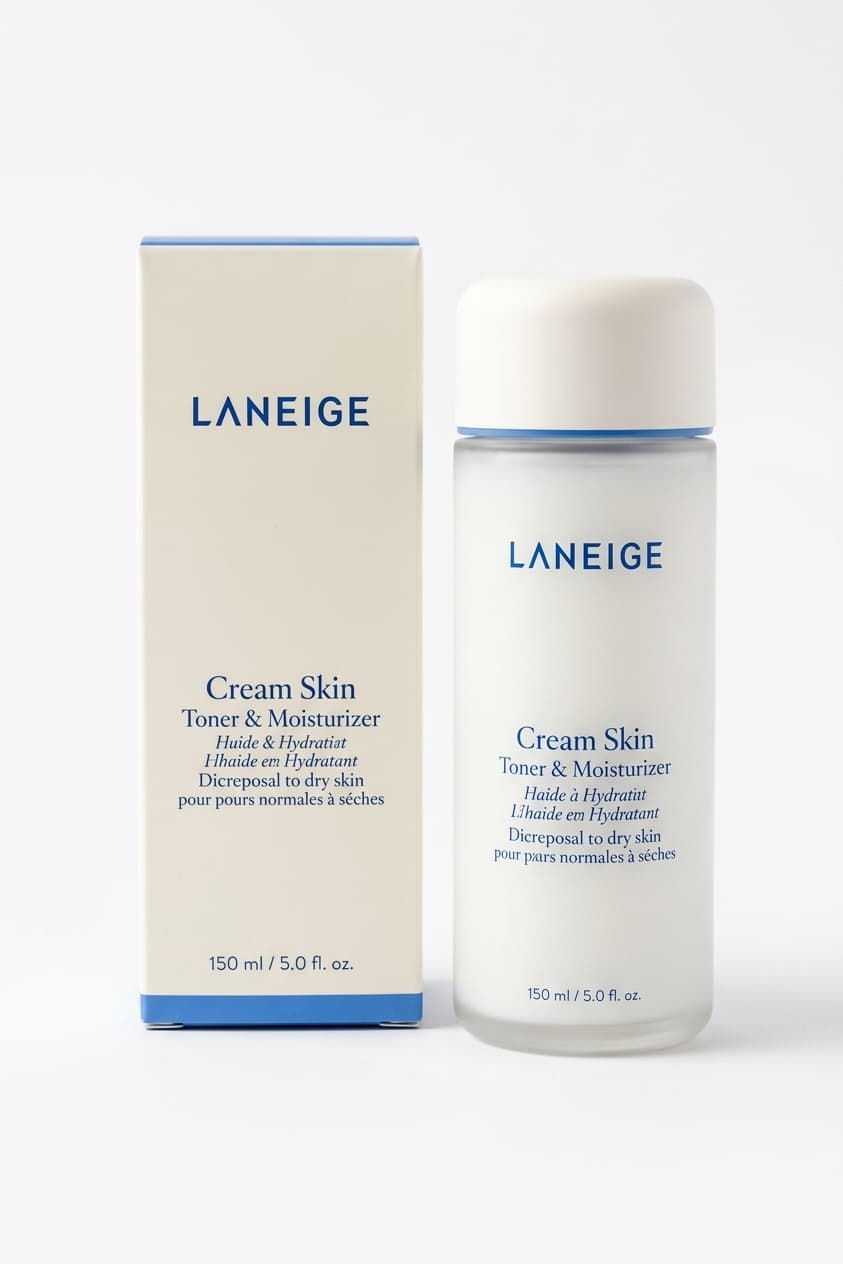
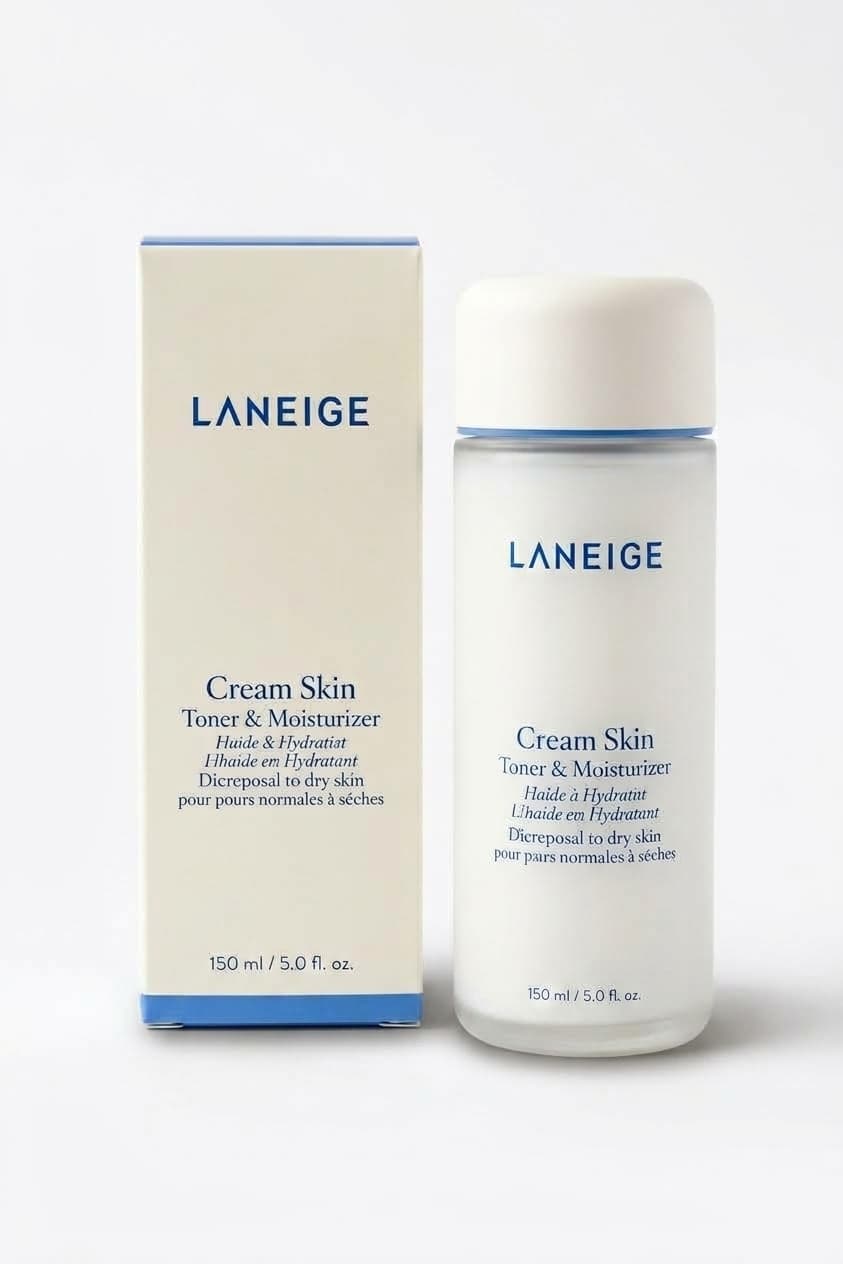
AI product shadows and reflections for e-commerce
Contact shadows and floor reflections are a proven paid ecom SKU: Photoroom monetizes AI Shadows at about $0.10 per API image, and similar Shopify apps sell drop-shadow / reflection polish because floating cutouts look unfinished on marketplace listings. Sellers pay because hand-compositing shadows in Photoshop is slow when you have hundreds of SKUs.
Product Shadow on Many AI Tools follows the same intent: upload a cutout or plain-background product photo, pick Soft contact shadow, Hard studio shadow, Mirror reflection, or Floating soft shade, and download a photorealistic grounded shot billed from your shared credit pack (about 155 credits per run; Starter from $5 ≈ 32 photos).
How to add product contact shadows with AI
1. Drop a clear JPG or PNG of a product on plain white/light gray or a cutout. 2. Choose Soft contact shadow, Hard studio shadow, Mirror reflection, or Floating soft shade. 3. Optional Notes can steer the look (softer shadow, longer cast to the right, stronger mirror fade). 4. Click Add shadow and download when ready. Reopen past results from Image History on the same page.
When to use Product Shadow vs other studio tools
Use Product Shadow when the product is already cut out or on a plain background and you only need a realistic ground shadow or reflection. Use Product Photo when you need a full white-catalog or lifestyle background restage. Use Background Remover first if the product still sits on a busy scene. Use Jewelry Retouch for sparkle/metal polish on jewelry. Use Photo Relight for general mood lighting changes.