
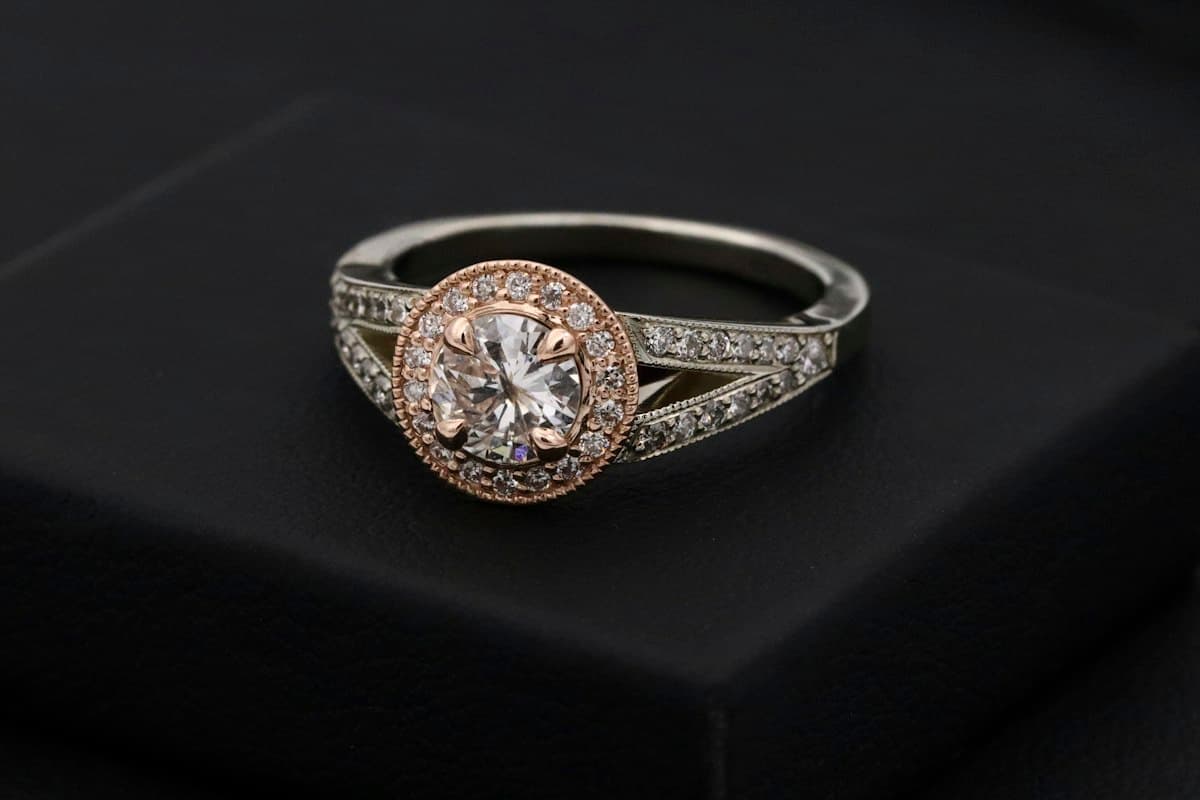
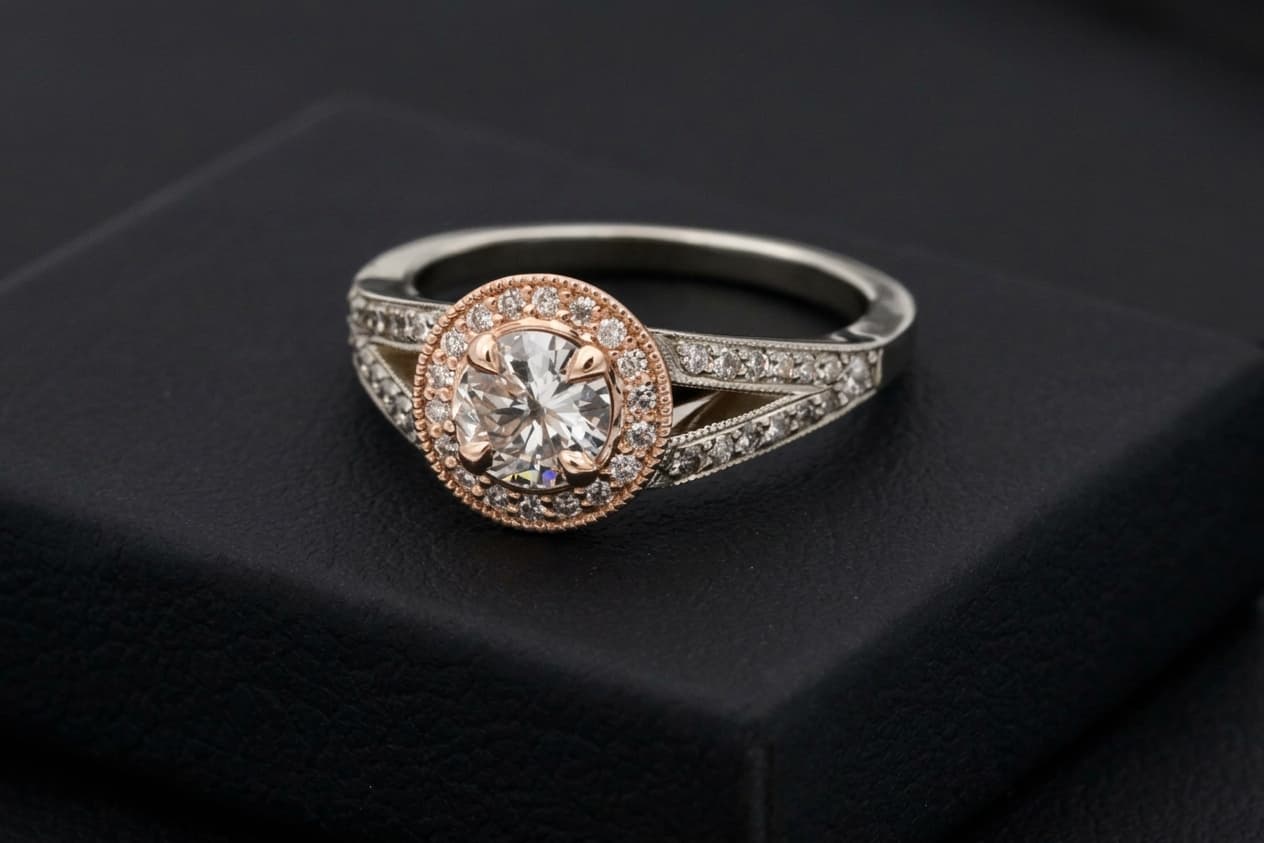
AI jewelry retouch for e-commerce listings
Jewelry retouching is a proven paid ecom SKU: NeuroViz sells jewelry-only Precision / Rescue / Vivid retouchers from about $0.10–$0.50 per image, and GemGlow Studio offers background cleanup plus sparkle polish from about $9.90/mo for 100 credits. Sellers pay because hand retouching runs $15–$25 per hero shot while dull metal and flat stones kill conversion on Shopify and marketplaces.
Jewelry Retouch on Many AI Tools follows the same intent: upload a real jewelry photo, pick Studio sparkle, Clean metal, Gem brilliance, or Soft luxury, and download a photorealistic piece-preserving retouch billed from your shared credit pack (about 155 credits per run; Starter from $5 ≈ 32 photos).
How to retouch jewelry photos with AI
1. Drop a clear JPG or PNG of a ring, earring, necklace, bracelet, or watch. 2. Choose Studio sparkle, Clean metal, Gem brilliance, or Soft luxury. 3. Optional Notes can steer the look (more diamond fire, warmer gold, remove lint). 4. Click Retouch jewelry and download when ready. Reopen past results from Image History on the same page.
When to use Jewelry Retouch vs other studio tools
Use Jewelry Retouch when you need sparkle and metal polish on a real jewelry piece for listings. Use Product Photo when you need a white-catalog or lifestyle background for a general product. Use Product Shadow when a cutout or plain-white jewelry/product shot only needs a contact shadow or mirror reflection. Use Background Remover for cutouts. Use Photo Enhancer for generic sharpen/upscale. Use Photo Relight for general mood lighting on non-jewelry scenes.