
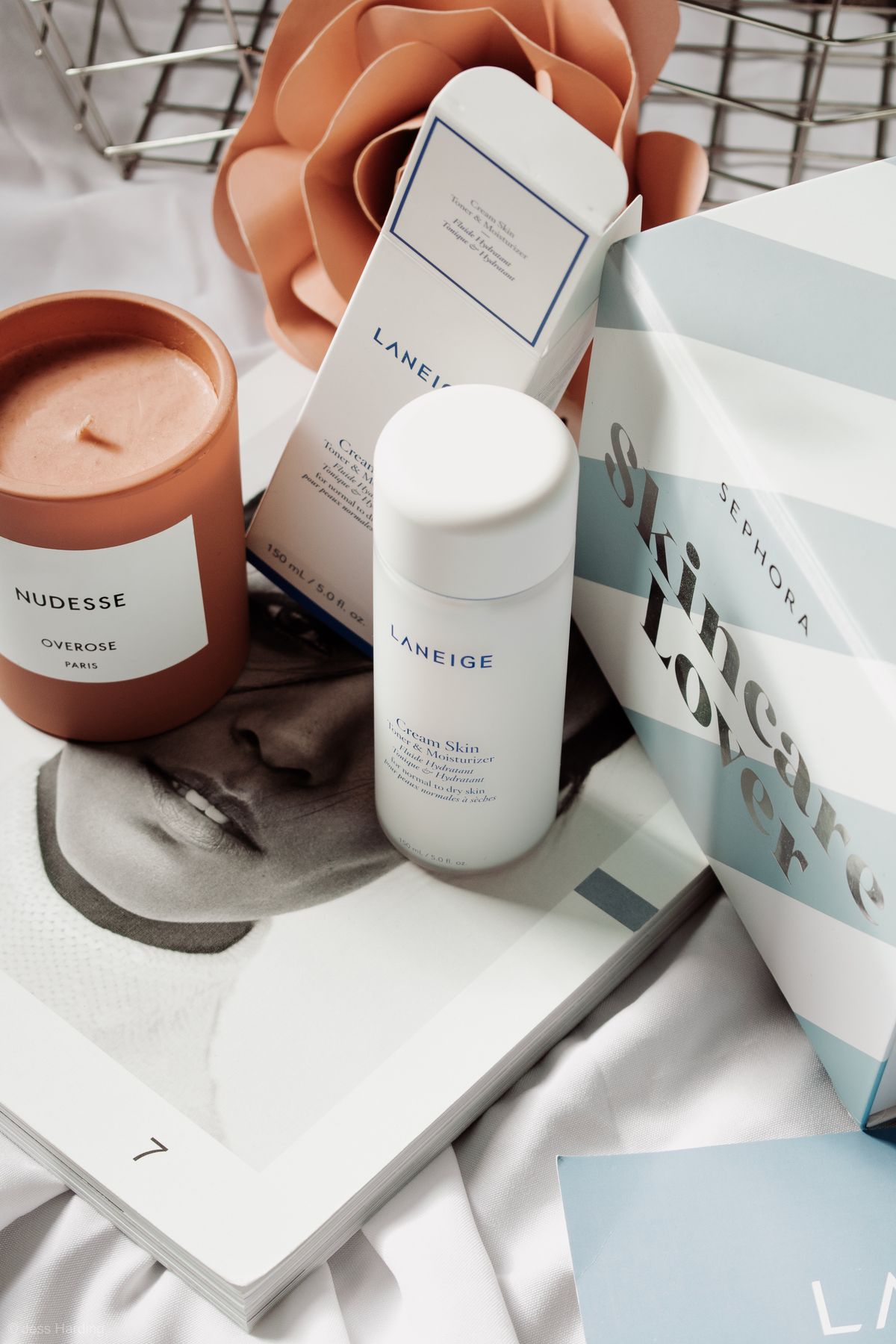
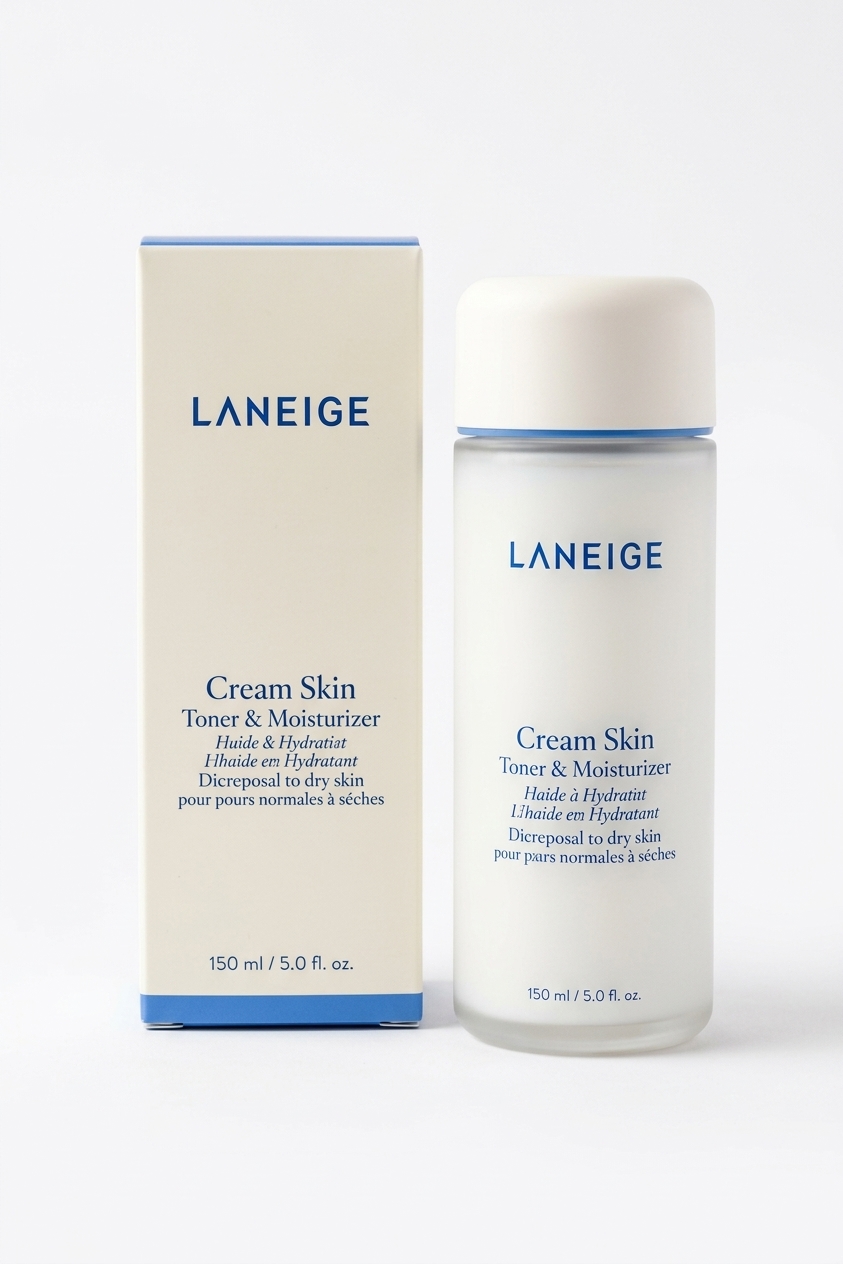
AI product photo generator for listings
Product Photo turns a phone snapshot into a cleaner catalog or marketing image while keeping the product's shape, color, and visible branding. It is useful when you need consistent listing images before a full studio shoot—Shopify, Amazon, Etsy, or a pitch deck—without booking a studio day.
Choose a white catalog background for marketplaces, a desk lifestyle scene for a pitch deck, or a premium hero style for a landing page. A well-lit source photo with the complete product in frame gives the most reliable result. Each run is about 155 credits; the $5 Starter pack covers roughly 32 photos.
How to make catalog product photos with AI
1. Drop a clear JPG or PNG of the full product on a plain surface. 2. Choose White catalog, Desk lifestyle, or Premium hero. 3. Optional Notes can steer props or angle (keep box in frame, softer shadows). 4. Click Generate Photo and download when ready. Reopen past results from Image History on the same page.
Product photos for Shopify, Amazon, and slides
Use the white catalog preset when the listing needs a neutral background, then use hero or desk lifestyle for campaigns and presentations. Always check logos, small text, and fine product details before publishing.
When to use Product Photo vs Jewelry Retouch or Food Photo
Use Product Photo for bottles, boxes, gadgets, and general catalog/lifestyle backgrounds. Use Product Shadow when the product is already cut out or on plain white and you only need a realistic contact shadow or mirror reflection. Use Jewelry Retouch when the subject is a ring, necklace, or watch that needs sparkle and metal polish without a full background swap. Use Food Photo Enhancer for plated dishes on menus and delivery apps. Use Background Remover when you only need a transparent or white cutout.