
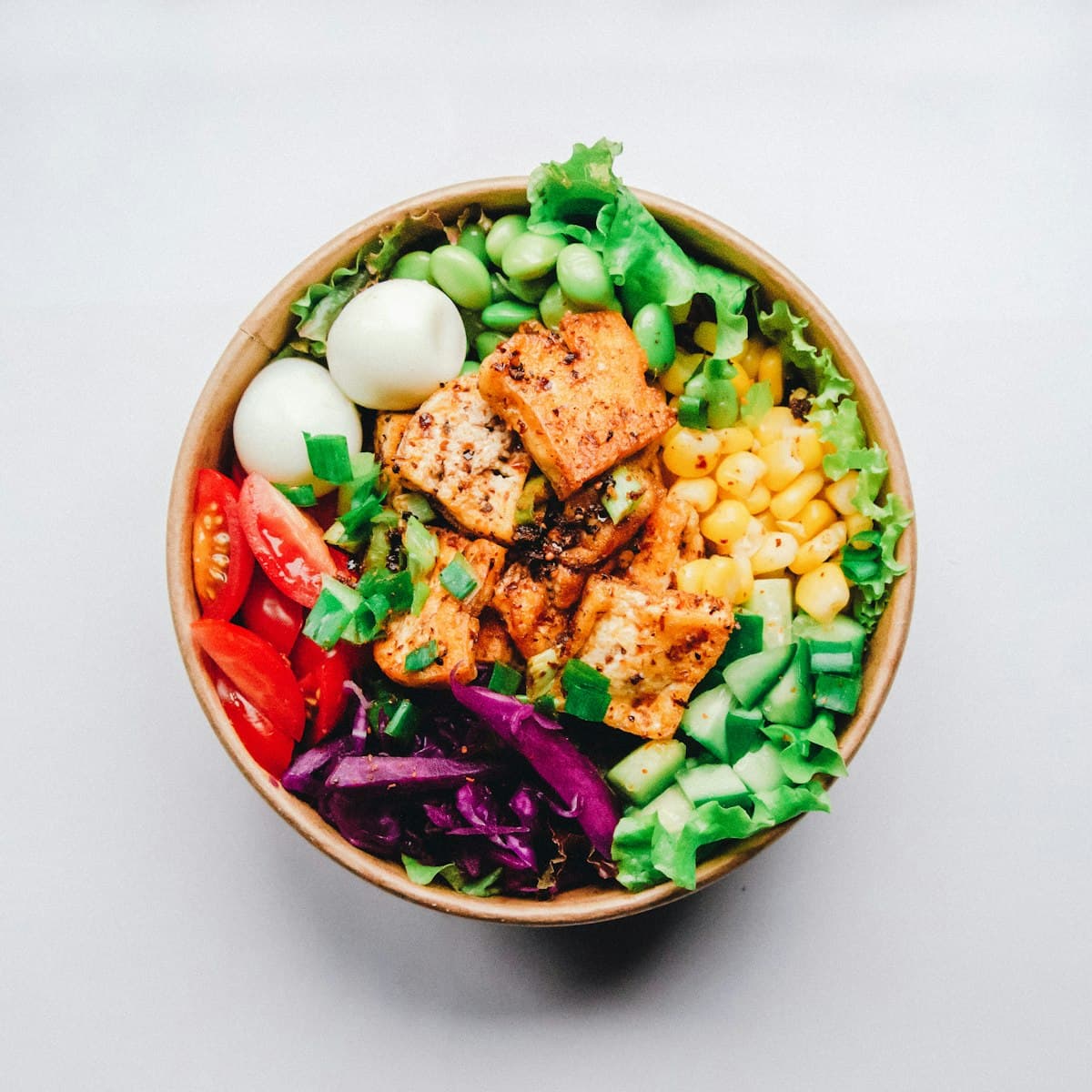
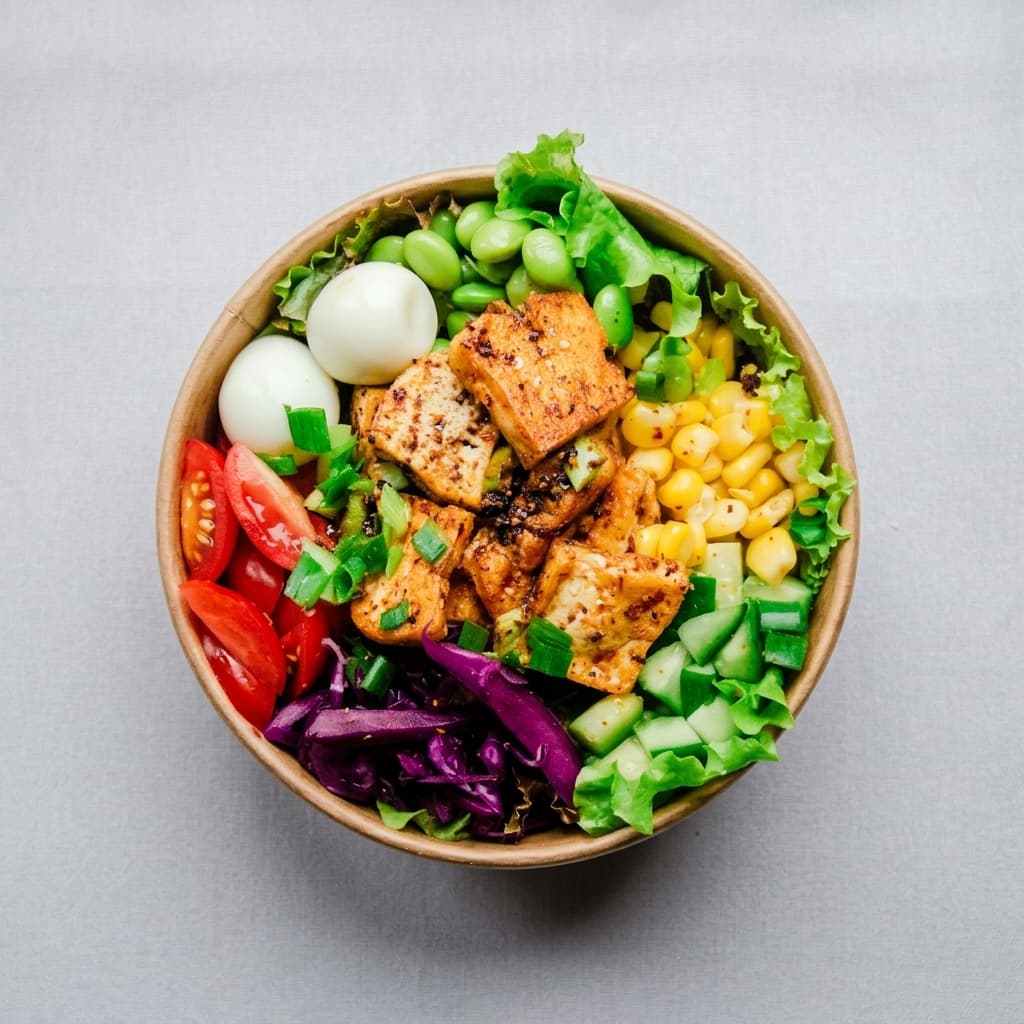
AI food photo enhancer for restaurant menus
Food photography is a proven SMB paid SKU: FoodPhoto.ai sells menu/delivery polish from a $10 test pack and $15–$120/mo plans, and ProGrade AI offers one-click food lighting fixes from about $19 per credit pack. Restaurants pay because hiring a food photographer for every menu update is impractical, while phone shots under tungsten light often look dull on DoorDash, Uber Eats, and Google Business.
Food Photo Enhancer on Many AI Tools follows the same intent: upload a real dish photo, pick Menu polish, Delivery bright, Soft daylight, or Moody gourmet, and download a photorealistic plating enhancement billed from your shared credit pack (about 155 credits per run; Starter from $5 ≈ 32 photos).
How to enhance menu food photos with AI
1. Drop a clear JPG or PNG of a real plated dish. 2. Choose Menu polish, Delivery bright, Soft daylight, or Moody gourmet. 3. Optional Notes can steer the look (warmer tones, softer shadows, keep garnish exact). 4. Click Enhance food photo and download when ready. Reopen past results from Image History on the same page.
When to use Food Photo Enhancer vs other studio tools
Use Food Photo Enhancer when you need truthful plating polish for menus and delivery. Use Product Photo when the subject is a packaged product on a catalog or lifestyle set. Use Photo Relight for general mood lighting on non-food scenes. Use Photo Enhancer for generic sharpen/upscale. Use Background Remover when you need a cutout, not appetite polish.